All tools
19 focused editors that each do one job well. Everything runs locally in your browser — your images are never uploaded.
Resize & Rotate
Set exact dimensions, crop, turn and add margin
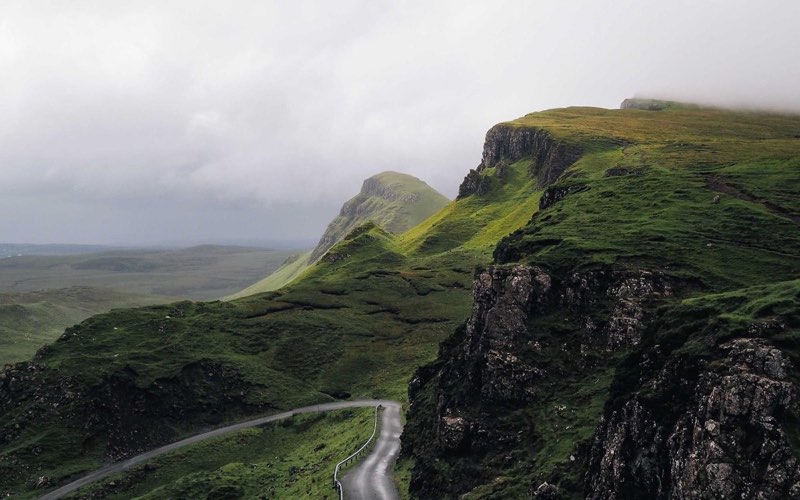 4000 × 2667 → 800 × 533−80%
Resize Image→Set exact pixels or a percentage, with the aspect ratio locked by default.

1 : 1
Crop Image→Drag to crop, or type exact pixels. Lock 1:1, 4:3, 16:9 or a custom ratio.
 +48 px
Add Padding→Add transparent or colored margin around an image, in exact pixels.
 90°
90°Rotate Image→Quarter-turn rotate and horizontal / vertical flip — batch supported.
Convert & Compress
Change formats or hit an exact file size
 JPG→WebP
Convert Image→Switch between JPG, PNG, WebP and PDF with quality control.
 IMG_4032.HEIC→.JPGDecoded on your device
HEIC to JPG→Turn iPhone .heic photos into standard .jpg files — right on your device.
 1.8 MB → 210 KB−88%
Compress Image→Set a target size in KB/MB, or tune quality by hand. Exact output size shown.
Effects & Styling
Corners, blur, black & white and vintage looks
 r = 24 px
Round Corners→Adjustable radius, transparent or colored corners.
 B&W
B&WBlack & White→Desaturate with true-to-eye luma — plus portrait and landscape film tones.
 Blur 60%
Blur Image→One slider from a gentle haze to a heavy, smooth blur — batch supported.
 Vintage
Vintage Effect→Sepia, fade, vignette and film grain — dial in a convincing aged look.
Mark & Protect
Watermarks, annotations and censoring

Privacy & Metadata
Read and strip EXIF, GPS and camera data
Create & Compose
Favicons, collages and photo stacks